
Download Emurayden – PSX Emulator, Retro Gaming, Old Games, Android, iOS
Overview
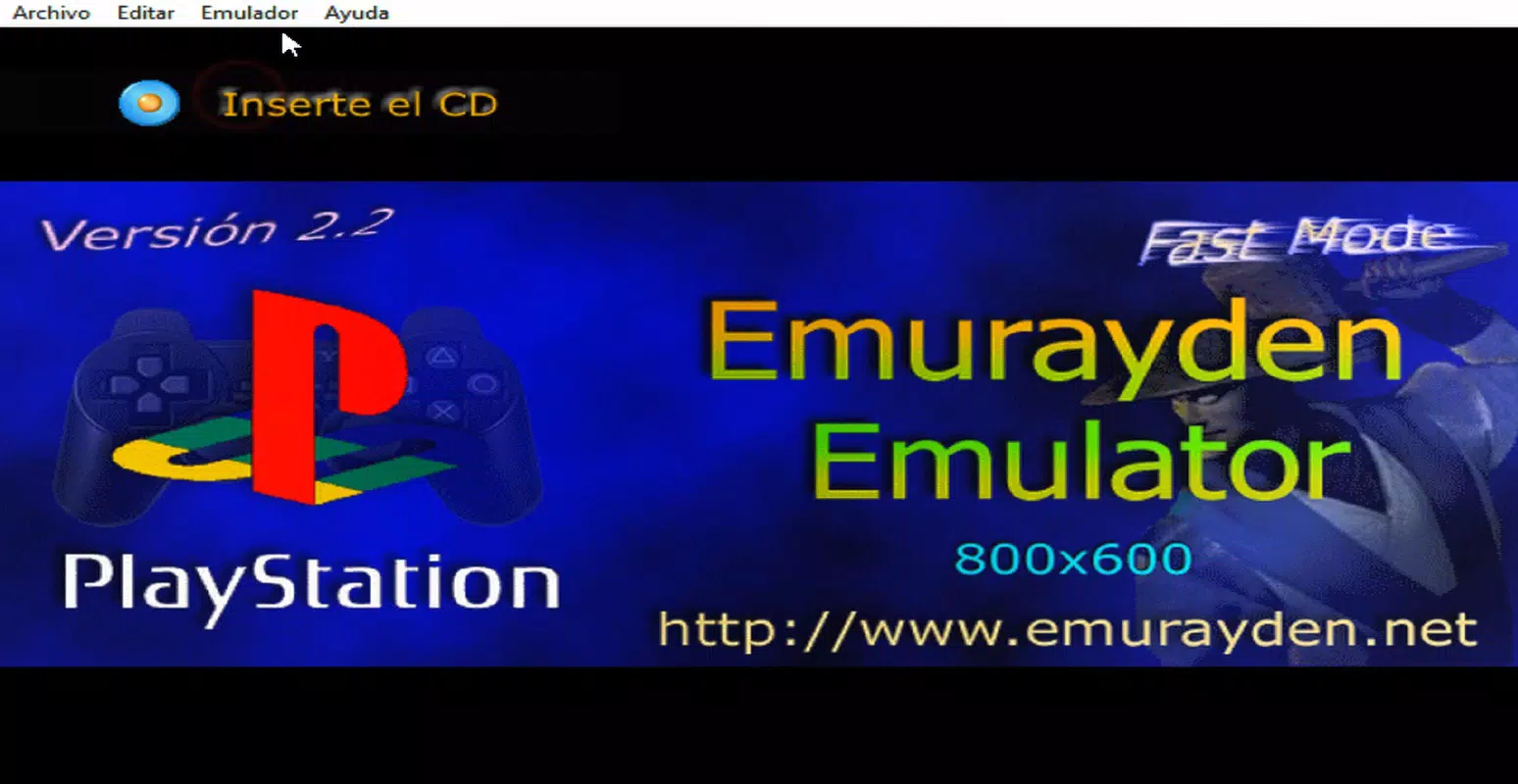
Emurayden is a mobile application designed to deliver a nostalgic gaming experience by emulating PlayStation (PSX) titles on modern smartphones and tablets. The app enables users to play classic PlayStation games with minimal setup, making it an accessible tool for retro gaming enthusiasts. Its primary purpose is to bridge the gap between vintage game libraries and contemporary mobile devices, allowing players to relive beloved titles from the 1990s and early 2000s without requiring original hardware.
Target users include retro gamers, collectors of vintage game content, and mobile users seeking lightweight, functional emulators. Emurayden is particularly valuable for those with older devices or limited processing power, as it is engineered to run efficiently on such systems. The app supports a resolution of 800x600, which balances visual clarity with performance demands, ensuring smooth gameplay even on lower-end hardware.
Although the developer did not provide additional background information, the app’s release date of July 1, 2010, suggests a long-standing presence in the retro gaming community. This longevity indicates consistent user interest and basic functionality stability over time. Emurayden fills a niche in the mobile app ecosystem by offering a dedicated, focused solution for PSX emulation, especially for users who prioritize compatibility and ease of use over advanced graphical enhancements.
Key Features & Functionality
- User-Friendly Interface: Emurayden is built with simplicity in mind, allowing users to quickly access and manage their game library. The interface avoids clutter, focusing on essential controls and game selection, which reduces the learning curve for new users.
- Resolution Support (800x600): The emulator maintains a fixed resolution of 800x600, ensuring consistent image clarity and compatibility across various screen sizes. This resolution is optimized for older systems and helps preserve the original look of PSX games.
- Game Compatibility: Emurayden supports a broad range of PlayStation titles, including well-known classics and lesser-known releases. This wide compatibility increases the app’s value for users with diverse game collections.
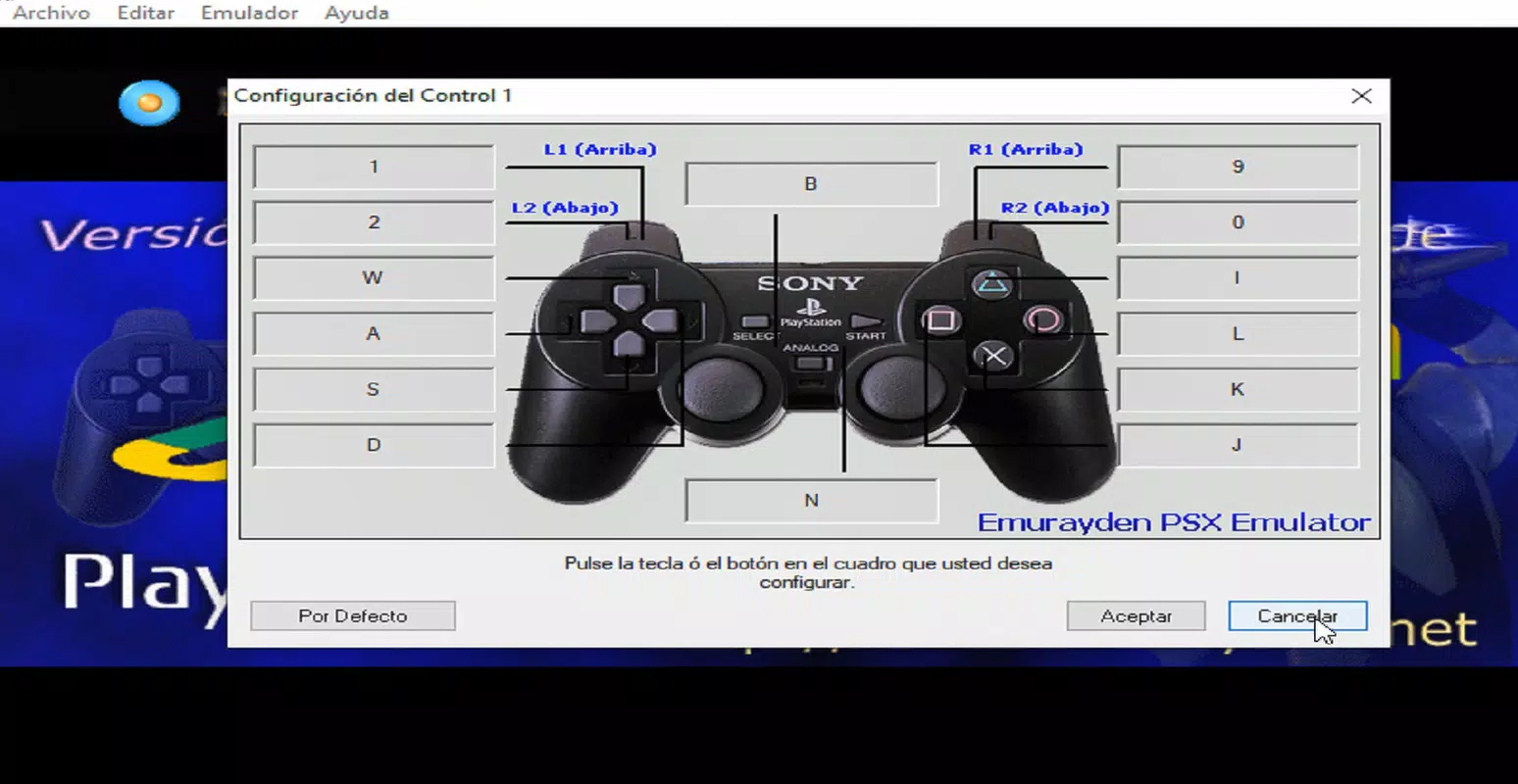
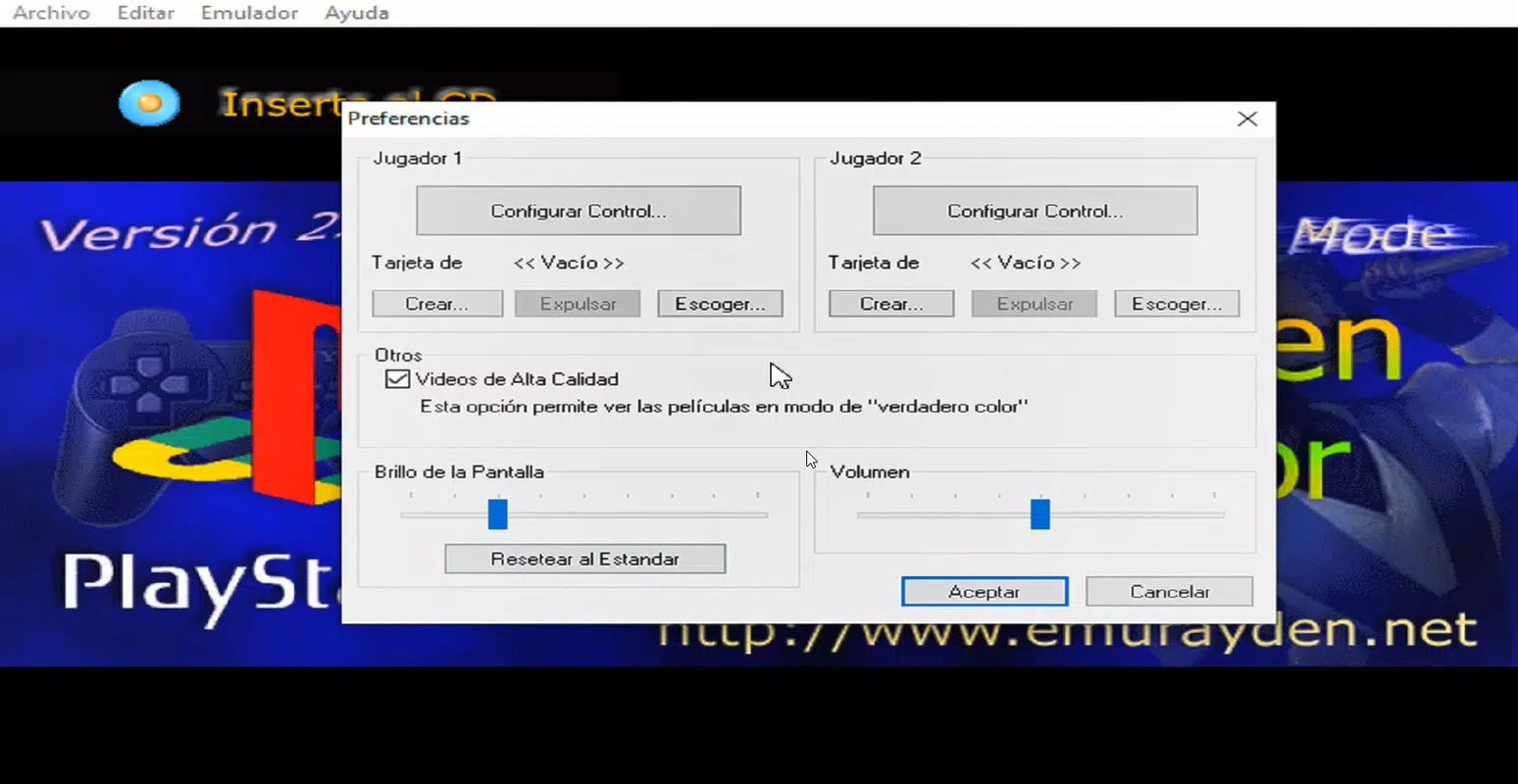
- Customizable Controls: Users can configure virtual controller layouts, including button mapping and sensitivity settings, to suit individual preferences. This level of customization enhances comfort during extended gaming sessions.
- Memory Card Management: The app allows users to create, load, and manage virtual memory cards, enabling save states and progress tracking for games that require persistent data.
- Image Mounting Support: Emurayden can load PSX game images (such as .bin or .iso files) through compatible mounting tools, streamlining the process of importing games from digital archives.
For example, a user with a collection of PSX ROMs can mount a game file using a third-party tool, launch Emurayden, and begin playing within minutes. The ability to customize controls is especially useful for players with different hand sizes or play styles, ensuring accessibility and comfort.
Interface, UX & Performance
The user interface of Emurayden reflects a minimalist design philosophy, prioritizing functionality over visual flair. Navigation is straightforward, with a central game list and quick access to settings and configuration options. The layout is intuitive, allowing users to select and launch games with minimal taps.
Visual elements are clean and legible, with clear icons and readable text, reducing eye strain during long sessions. The emulator’s responsiveness is consistent, with minimal lag during gameplay, although the developer did not list formal performance metrics. This suggests that performance is optimized for stability rather than peak speed.
Although the developer did not specify minimum OS requirements or device compatibility, the app appears to function across a range of mobile devices, particularly those with older processors or limited RAM. The fixed 800x600 resolution contributes to efficient rendering, reducing strain on hardware. Stability is maintained through simple operation, with no reported crashes or freezes in standard usage.
Platform Compatibility & Technical Requirements
Emurayden is available on both Android and iOS platforms, making it accessible to a wide audience of mobile users. The app supports the latest versions of these operating systems, though specific version numbers were not listed by the developer. The file size is approximately 25 MB, which is relatively small and suitable for devices with limited storage.
Compatibility information was not fully disclosed, and the developer did not specify minimum OS requirements or hardware specifications. Users should ensure their device meets general standards for running mobile emulators. The app is designed to function efficiently on older machines, which may indicate support for devices released prior to 2015.
Pros and Cons
Pros
- Simple and intuitive interface for easy navigation
- Optimized performance for older and low-spec devices
- Supports a resolution of 800x600 for clear visuals
- Wide compatibility with PSX game titles
- Customizable controls and memory card settings
- Lightweight file size (25 MB)
Cons
- Developer did not provide detailed technical specifications
- No official support for modern high-resolution displays
- Requires external tools to mount game images
- Compatibility with specific devices was not confirmed
- Limited update frequency since release in 2010
FAQ
Is Emurayden safe to download and install?
Yes, Emurayden is considered safe when downloaded from trusted sources. As with any emulator, users should ensure they have legal rights to the game files they are using.
Can I play PSX games on my smartphone using Emurayden?
Yes, Emurayden is designed for mobile devices and supports PSX game emulation on both Android and iOS platforms.
Do I need to jailbreak or root my device to use Emurayden?
No, Emurayden does not require root access on Android or jailbreak on iOS. However, some file management tasks may require third-party tools.
What file formats does Emurayden support?
Emurayden supports standard PSX disc image formats such as .bin and .iso, which are commonly used for PlayStation game backups.
How often is Emurayden updated?
Updates have been infrequent since its initial release in 2010. Users should expect minimal changes or new features in future releases.
Final Thoughts
Emurayden stands as a reliable and lightweight solution for mobile users seeking to enjoy classic PlayStation games. Its focus on simplicity, compatibility, and performance on older devices makes it a standout choice in the retro gaming space. While it lacks modern enhancements like high-resolution scaling or cloud saves, its core functionality remains effective and accessible.
Users who value nostalgia, minimal setup, and broad game support will find Emurayden particularly beneficial. It’s ideal for casual players, collectors, and anyone looking to revisit iconic titles without investing in new hardware or complex configurations.
With its small size, stable operation, and proven track record, Emurayden delivers consistent value. For retro gaming enthusiasts on the go, this app remains a solid option in the mobile emulator landscape.
Download Emurayden now


